Switching from CapCut? The 5 Best Alternatives for Reels & TikTok (2026 Edition)
CapCut has been a dominant force in the mobile video editing scene for years, especially for creators pumping out content for Reels and TikTok. Its user-friendly interface, powerful features, and the irresistible price tag (free!) have made it a go-to. But as 2026 rolls around, the landscape is shifting. New contenders have emerged, and established players have upped their game, offering compelling alternatives that might just be a better fit for your evolving creative needs.
If you’re finding CapCut’s limitations starting to chafe, or you’re simply curious about what else is out there, you’ve come to the right place. We’re diving deep into the top 5 alternatives, comparing their most popular features, and helping you decide if it’s time to make the switch.
Why Consider an Alternative in 2026?
While CapCut remains strong, here are a few reasons why creators are looking elsewhere:
- Advanced Features: Some alternatives offer more granular control, professional-grade color grading, or complex multi-track editing that CapCut might lack.
- Ecosystem Integration: For creators using other tools from a specific brand (like Adobe), a seamlessly integrated video editor can be a huge time-saver.
- Desktop Power: While CapCut does have a desktop version, some alternatives offer a more robust and feature-rich desktop experience for those who prefer to edit on a larger screen.
- Specific Niche Tools: Some apps excel in particular areas, like advanced motion graphics, or specific audio editing capabilities.
Let’s explore the top contenders:
1. Filmora: The Feature-Packed All-Rounder
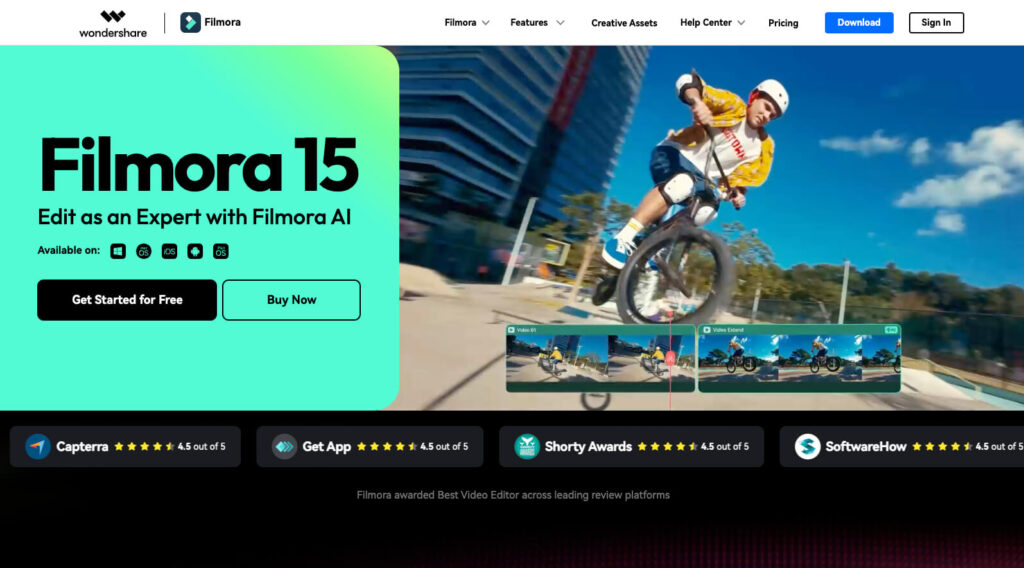
Filmora has long been a favorite for its balance of professional features and user-friendliness, and in 2026, it continues to impress. It’s a fantastic option for creators who want more power than CapCut but aren’t ready for the steep learning curve of professional desktop software.
Popular Features & Why It Stands Out:
- AI Smart Cutout & Portrait: Filmora’s AI tools have become incredibly sophisticated, making background removal and subject isolation smoother than ever for dynamic Reels.
- Advanced Keyframing: For intricate animations and precise control over effects, Filmora offers a much deeper keyframing experience.
- Extensive Effect Library: A continually updated library of transitions, titles, and effects keeps your content fresh and engaging.
- Cross-Platform Sync: Start editing on your phone and seamlessly switch to your desktop, a massive convenience for busy creators.
- Green Screen & Chromakey: Superior performance for composite shots.
If you’re serious about elevating your content without getting bogged down in overly complex interfaces, Filmora is a strong contender.
Check out Filmora →
2. InShot: The Mobile-First Powerhouse (Still Reigning Supreme)
For pure mobile editing prowess, InShot remains incredibly relevant in 2026. While CapCut surged with its TikTok integration, InShot has quietly built a reputation for robust features, intuitive design, and consistent updates that cater directly to social media content.
Popular Features & Why It Stands Out:
- Precise Timeline Editing: Easy trimming, splitting, and merging clips with excellent control, perfect for quick, impactful edits.
- Comprehensive Adjustment Tools: Advanced color correction, saturation, and contrast controls that go beyond basic filters.
- Sticker & Text Customization: A vast array of dynamic stickers, fonts, and text animations that are perfect for trending social media styles.
- Aspect Ratio Flexibility: Effortlessly switch between 9:16 for vertical video, 1:1 for Instagram, and other custom ratios without distortion.
- Music Library & Voiceover: A decent built-in music library and powerful voiceover recording capabilities.
If your workflow is primarily on your smartphone or tablet, and you need a reliable, feature-rich app that keeps pace with social media trends, InShot is an absolute must-try.
Check out InShot →
3. Movavi Video Editor: Simplicity Meets Solid Performance
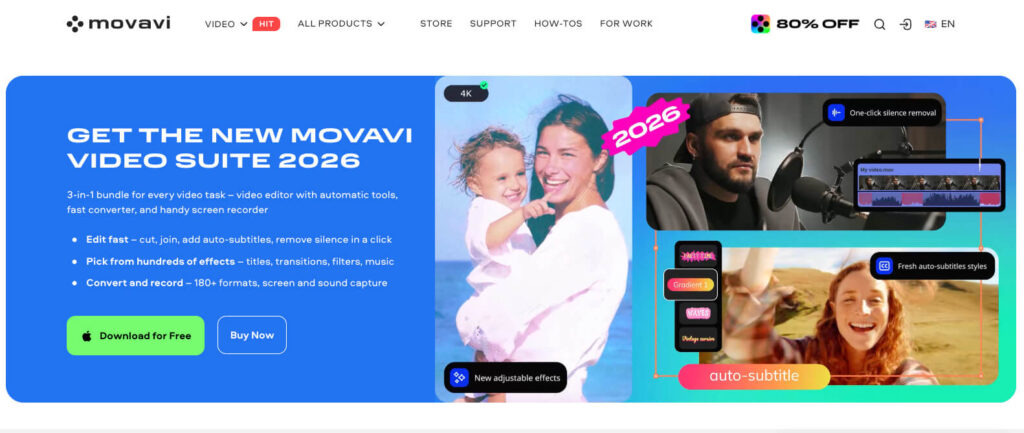
Movavi has carved out a niche for itself as a remarkably user-friendly video editor that doesn’t compromise on core functionalities. For those who find CapCut a little too basic but are intimidated by more professional software, Movavi strikes a perfect balance. It’s particularly good for creators who want to quickly produce polished content without a steep learning curve.
Popular Features & Why It Stands Out:
- Intuitive Drag-and-Drop Interface: Extremely easy to learn, making it perfect for beginners or those who need to edit quickly.
- Built-in Media Pack: Access to royalty-free music, stickers, and stock footage directly within the editor.
- Vertical Video Tools: Optimized templates and tools specifically designed for TikTok and Reels aspect ratios.
- Stabilization & Color Correction: Reliable tools to fix shaky footage and enhance your video’s visual appeal.
- Fast Export: Optimized for quick rendering and sharing directly to social platforms.
If you value ease of use above all else but still want a robust set of editing tools, Movavi offers a smooth and efficient editing experience.
Check out Movavi →
4. Adobe Premiere Rush: The Connected Creator’s Choice
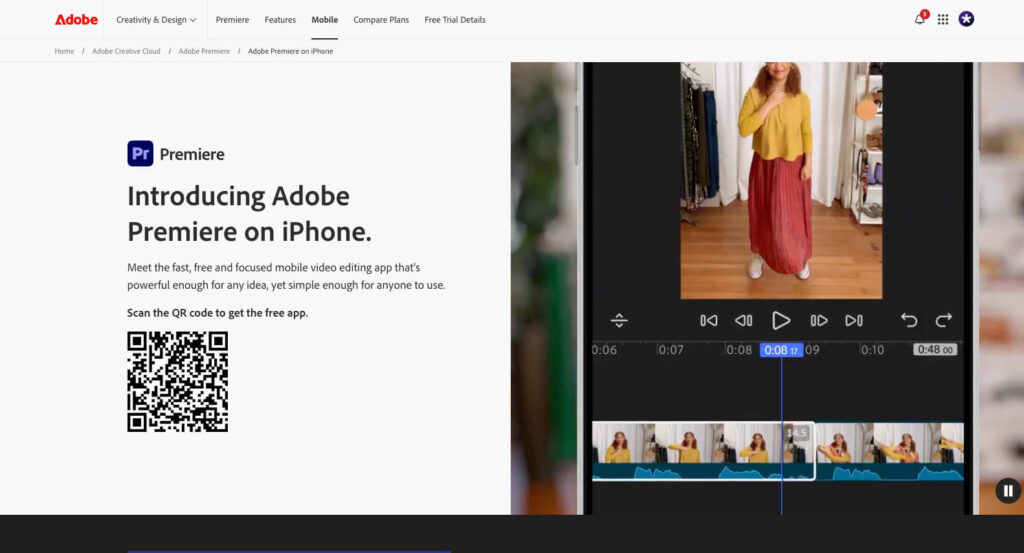
For those embedded in the Adobe ecosystem, Premiere Rush is the natural evolution from CapCut. It offers a streamlined, professional editing experience that’s tightly integrated with other Adobe apps like Premiere Pro and the Creative Cloud. In 2026, its cloud-syncing capabilities are more polished than ever, making it ideal for creators who work across multiple devices.
Popular Features & Why It Stands Out:
- Seamless Cloud Sync: Start a project on your phone, continue on your tablet, and finalize on your desktop – all synced via Creative Cloud.
- Intuitive Interface: Designed for speed, it strips away the complexity of Premiere Pro while retaining essential editing power.
- Built-in Adobe Stock Integration: Easy access to royalty-free audio and video directly within the app.
- Professional Motion Graphics Templates: Access to high-quality, customizable titles and transitions.
- Audio Enhancement Tools: Basic but effective audio clean-up and volume leveling.
- Direct Social Sharing: Optimized export presets for all major social platforms.
If you’re already an Adobe Creative Cloud subscriber or plan to become one, Premiere Rush is an excellent choice for a more professional, yet still user-friendly, editing experience.
Check out Premiere Rush →
5. Canva: More Than Just Graphics – Video on the Rise!
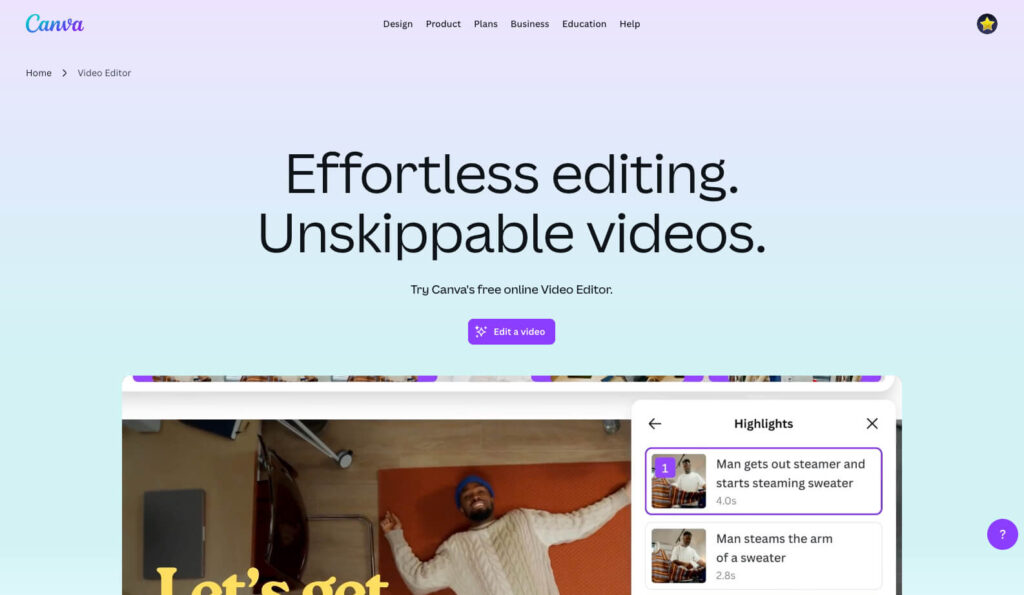
While traditionally known for graphic design, Canva’s video editing capabilities have grown exponentially in recent years. For creators who primarily use Canva for their overall branding and visual content, its integrated video editor is a game-changer. It’s especially powerful for small businesses, marketers, and individuals who need quick, branded video content without jumping between multiple apps.
Popular Features & Why It Stands Out:
- Brand Kit Integration: Apply your brand colors, fonts, and logos to videos with a single click.
- Vast Template Library: Thousands of customizable video templates for Reels, TikTok, YouTube Shorts, and more.
- Drag-and-Drop Simplicity: Unmatched ease of use for assembling clips, adding text, music, and elements.
- Stock Media Access: Huge library of royalty-free photos, videos, and audio directly within the platform (Pro version).
- Collaborative Features: Work on video projects with team members in real-time.
- Animation & Effects: Simple yet effective animations for text and elements to make your videos pop.
If you’re already deeply invested in the Canva ecosystem, or you need an all-in-one design and video tool for quick, branded content, Canva’s video editor is a seriously compelling CapCut alternative.
Check out Canva →
Final Verdict: Which One Should You Choose?
The “best” editor in 2026 really depends on your specific creative goals. While CapCut is hard to beat for quick, trend-driven TikToks, the alternatives have caught up by offering specialized strengths that CapCut simply doesn’t prioritize.
- Choose Filmora if you want a balance of professional AI tools and ease of use.
- Stick with InShot if you are a 100% mobile-first creator who needs high-speed, reliable editing.
- Go with Movavi if you want the simplest desktop experience without the fluff.
- Pick Premiere Rush if you are already in (or moving toward) the Adobe ecosystem.
- Use Canva if your videos need to perfectly match your brand’s social media graphics and templates.
The 2026 Shift
The biggest trend we’re seeing this year isn’t just about cutting clips; it’s about AI-driven efficiency. Whether it’s auto-captioning, AI background removal, or smart B-roll generation, the tools above are designed to let you spend less time in the timeline and more time on the big ideas.
Which one are you leaning toward? If you’re still undecided, I recommend downloading the free versions of InShot and Canva first—they offer the lowest barrier to entry and might just revolutionize your workflow.