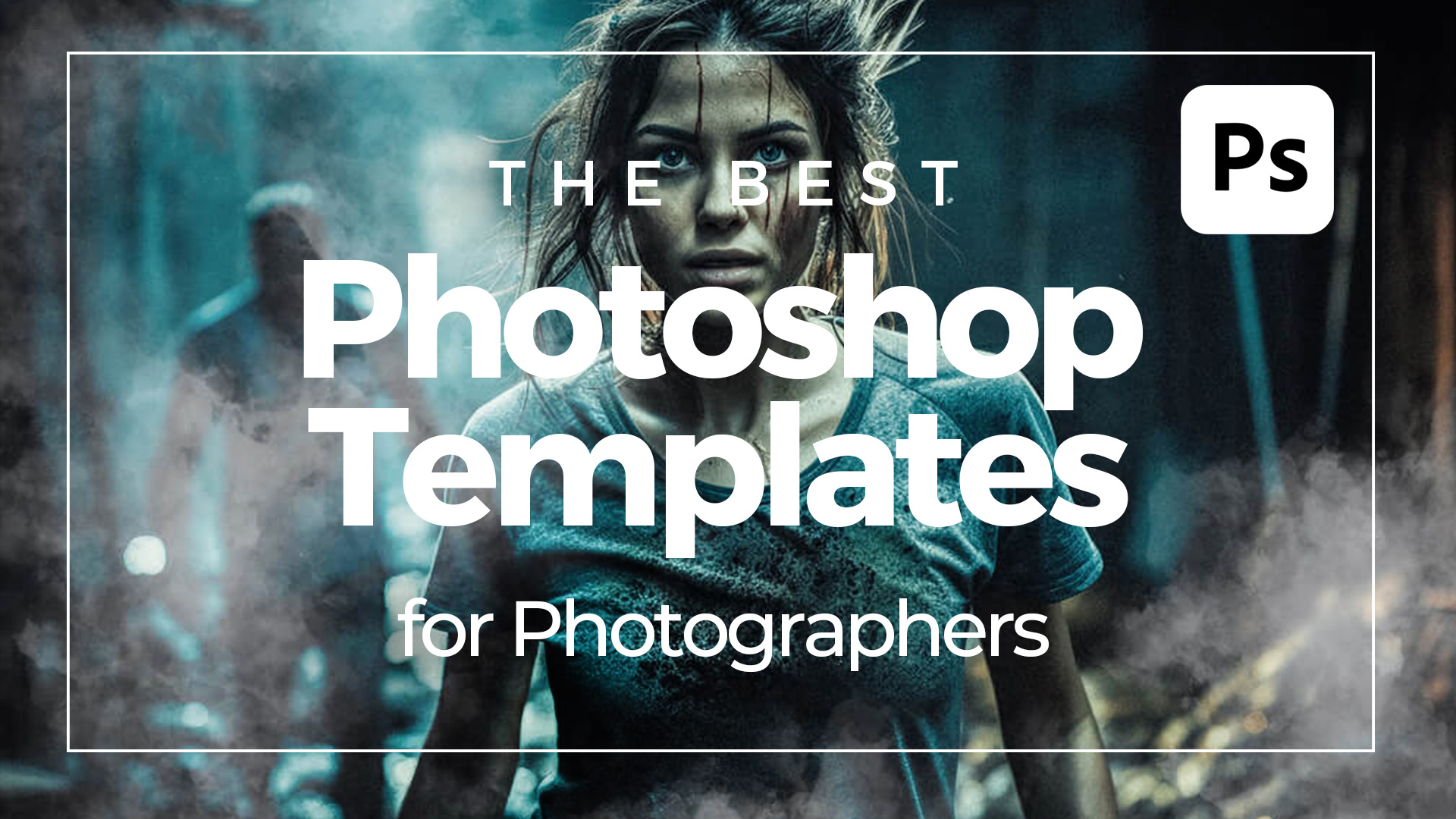
Some of the Best Photoshop Templates For Photographers and Artists from Adobe Stock. Why would a photographer use Photoshop templates? Photographers might use Photoshop templates because they make creating stunning visuals a breeze! With these templates, photographers can quickly put together eye-catching portfolios, promotional materials, and social media posts without needing to start from scratch. They can easily drop in their photos, customize text, and tweak the design elements to perfectly match their style. This not only saves time but also ensures their work always looks professional and polished. Plus, with a wide variety of templates available, photographers can find the perfect one for any project, whether it’s a wedding album, a business card, or an Instagram story. Here are some of the best Photoshop templates for photographers. Cinematic Photo EffectBy Grkic Creative Rainbow Prism Photo Effect Mockup With Generative AIBy Pixelbuddha Studio Light Leak and Worn Photo EffectsBy Patrick… read more

Photoshop
Tips and tutorials for using Photoshop to create and prep graphics for video and motion design.
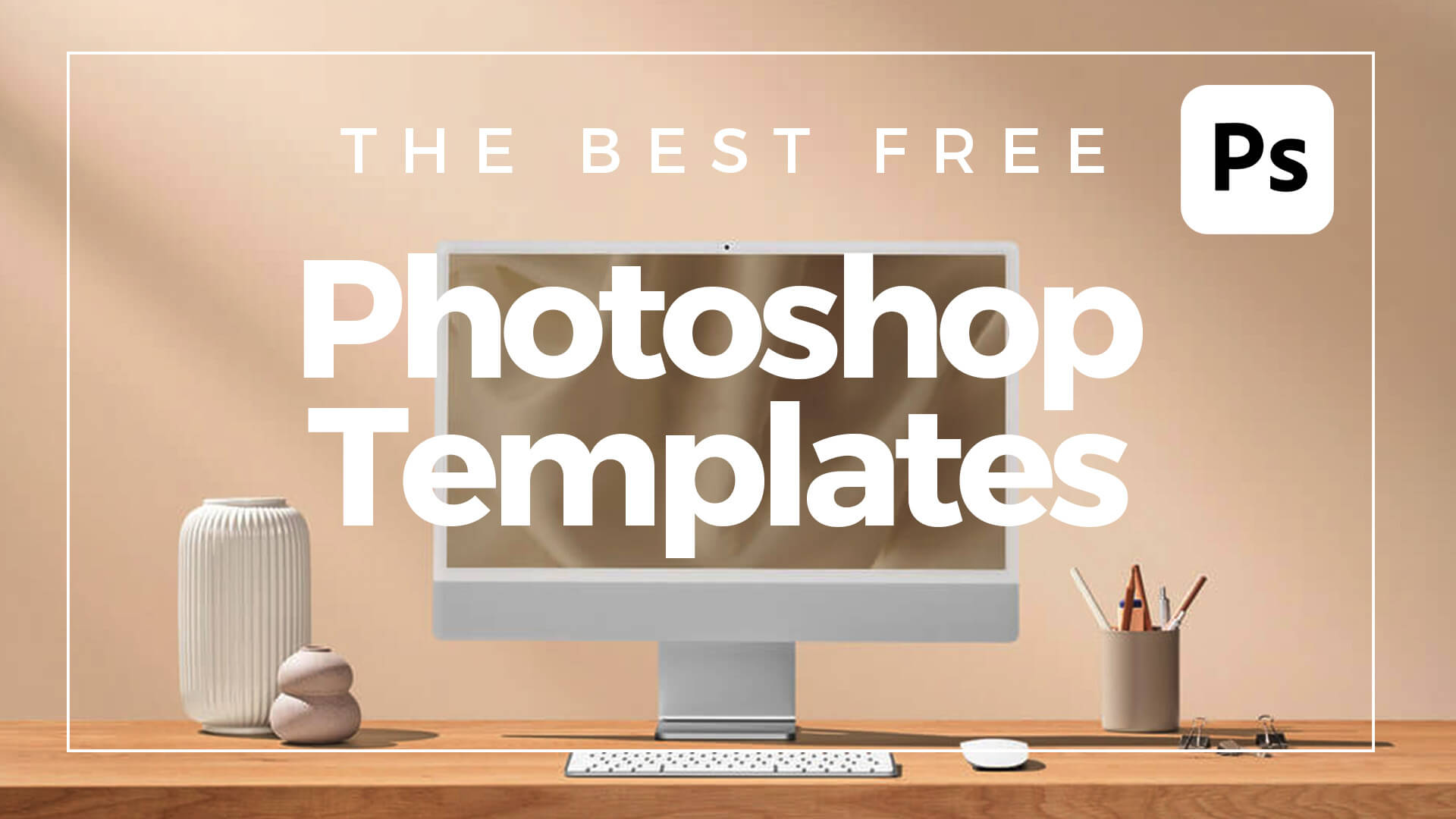
What are Photoshop templates? Photoshop templates are like pre-made design blueprints created in Adobe Photoshop. Think of them as a head start on your project, whether it’s a flyer, business card, social media post, or anything else you need to design. These templates come with all the essential elements already laid out, including layers, placeholders for images, text areas, and sometimes even guidelines to help you keep everything in order. They’re usually in the .PSDT file format, which you can easily open and edit in Photoshop. Using these templates is a fantastic way to save time and ensure your designs look professional, even if you’re not a graphic design or image manipulation expert. How to use Photoshop templates To get started with a Photoshop template, simply open the .PSD (or .PSDT) file in Adobe Photoshop. You’ll see different layers for each part of the design. You can customize these layers… read more
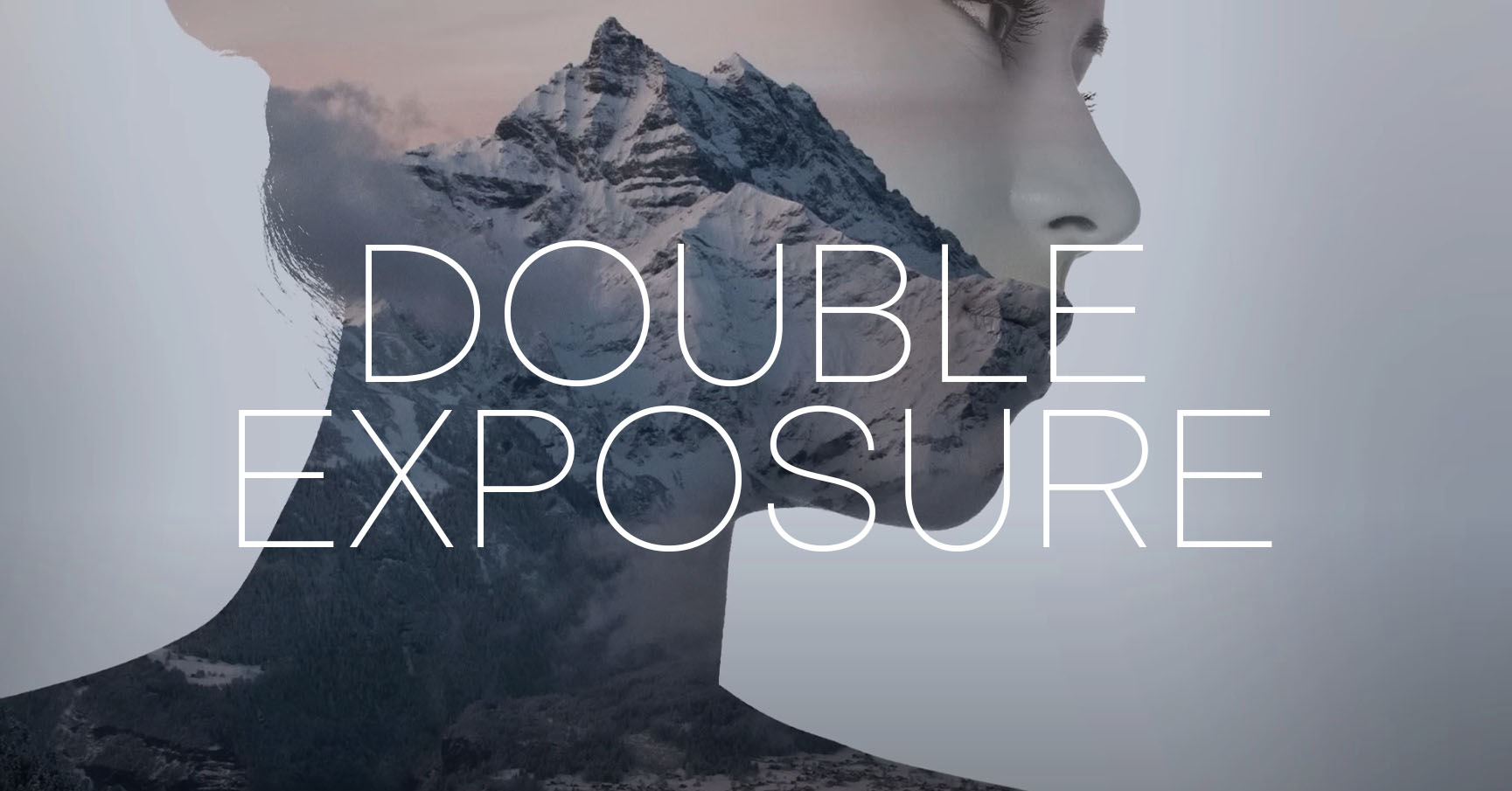
What is double exposure? Double exposure is a photographic technique that involves exposing a single frame of film or digital sensor to multiple images. Traditionally achieved by taking two separate photographs on the same frame, this technique results in a merged image where the elements from both exposures coexist in a single frame. This effect can be achieved easily through post-processing software, allowing photographers greater control and flexibility in creating surreal and dreamlike images. What’s the double-exposure effect used for? The double exposure style is versatile and can be employed for various artistic and expressive purposes. Here are some of its notable applications: Artistic Expression: Double exposure allows artists and photographers to create visually striking and surreal images that go beyond the boundaries of traditional photography. It provides a unique way to blend two separate visual elements into a single frame, resulting in a composition that is often dreamlike, abstract,… read more
More Posts
- PowerPoint Transitions: Every Effect Explained
- Canva Templates: The Ultimate Guide to Designing Faster and Smarter
- The 5 Best CapCut Alternatives in 2026
- Why Choose Adobe After Effects?
- The Ultimate Guide to Faceless YouTube Channels in 2026
Adobe Stock Search
Please use the search form below to find footage and video templates directly from Adobe Stock.
Great Value Packs

Sponsored Resources