
Overlay & Background Templates for Premiere Pro — Animated Video Layers
Enhance your edits with our Overlay and Background Templates for Premiere Pro. Ideal for social media videos, YouTube content, corporate presentations, and live events, these animated elements provide stylish layers to elevate your visuals.
Each template is delivered as an editable MOGRT file that works seamlessly inside Premiere Pro. Drag into the Essential Graphics panel and customize colors, motion, and opacity. Use overlays to add light leaks, gradients, textures, and animated patterns, or set the tone with cinematic background animations.
All templates are plugin-free and designed for smooth editing, giving you maximum flexibility with minimal effort. Overlays and backgrounds are perfect for creating atmosphere, enhancing readability, or adding subtle effects that tie your visuals together.
If you can’t find something suitable in our library, try Adobe Stock for thousands more.
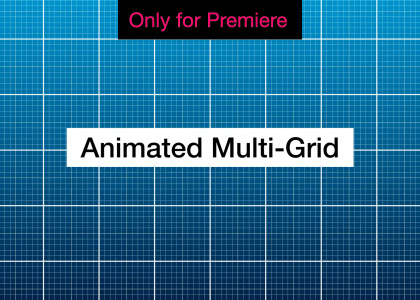
Animated Multi-Grid Background – Motion Graphics Template
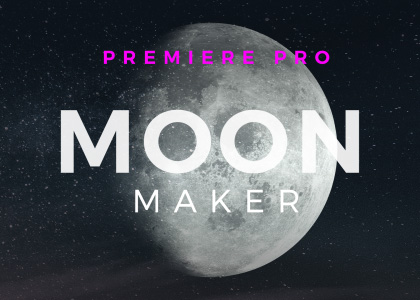
Moon Maker – Motion Graphics Template
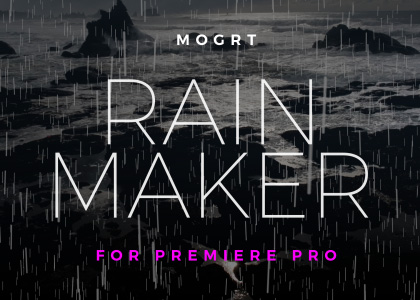
Rainmaker – Free Motion Graphics Template
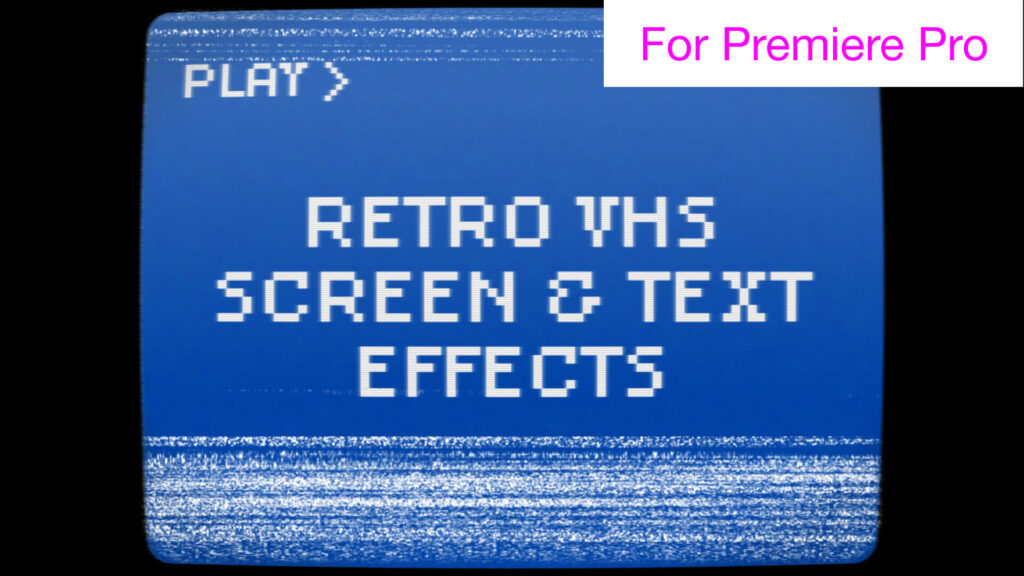
Retro VHS Screen and Text Effects – Free Motion Graphics Template
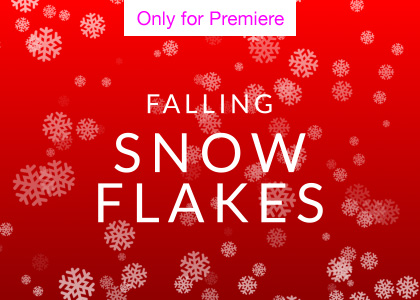
Falling Snowflake Background Loop – Motion Graphics Template
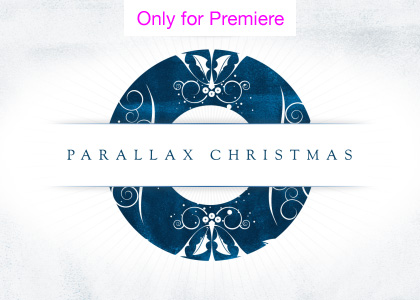
Parallax Christmas Greetings Transitions – Motion Graphics Template
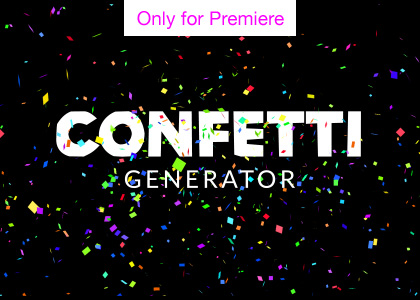
Confetti Cannon Overlay Generator – Motion Graphics Template
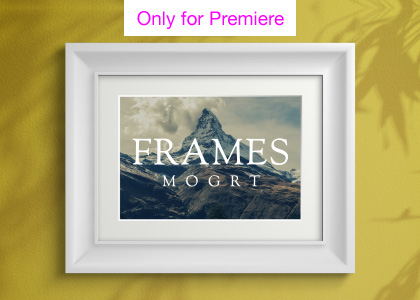
Picture Frames Overlay Creator – Motion Graphics Template
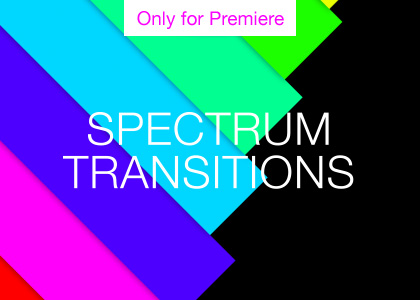
Spectrum Color Bar Transitions – Free Motion Graphics Template
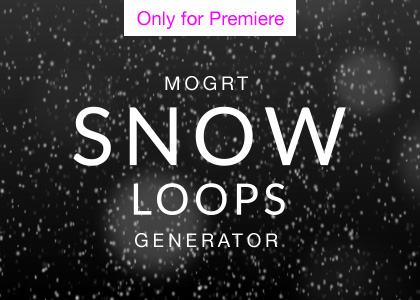
Snow Background Loops – Free Motion Graphics Template
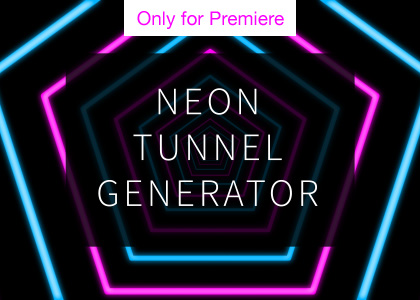
Neon Tunnel Loop Generator – Motion Graphics Template
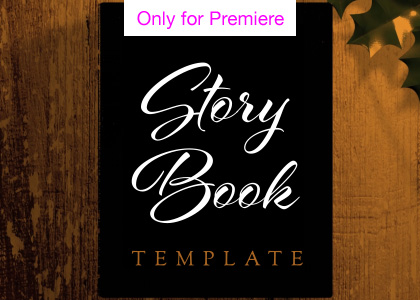
Storybook Opening and Closing Transitions – Motion Graphics Template
Popular Products

Sponsored Resources

Find what you were looking for?
If we don’t have what you need on here, hop over to Adobe Stock for thousands of editable video templates and effects.