Search thousands of FREE photos, videos and templates on Adobe Stock
For fully cleared music, SFX and video templates visit our new partner Uppbeat
Find your perfect designer desk mat and mouse pad on Redbubble
Free Light Leak Overlays for Premiere Pro
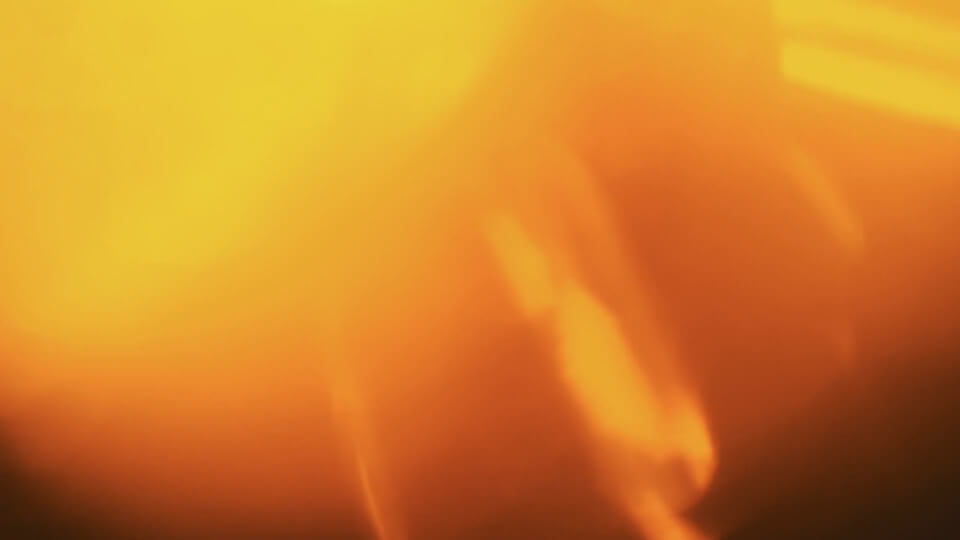
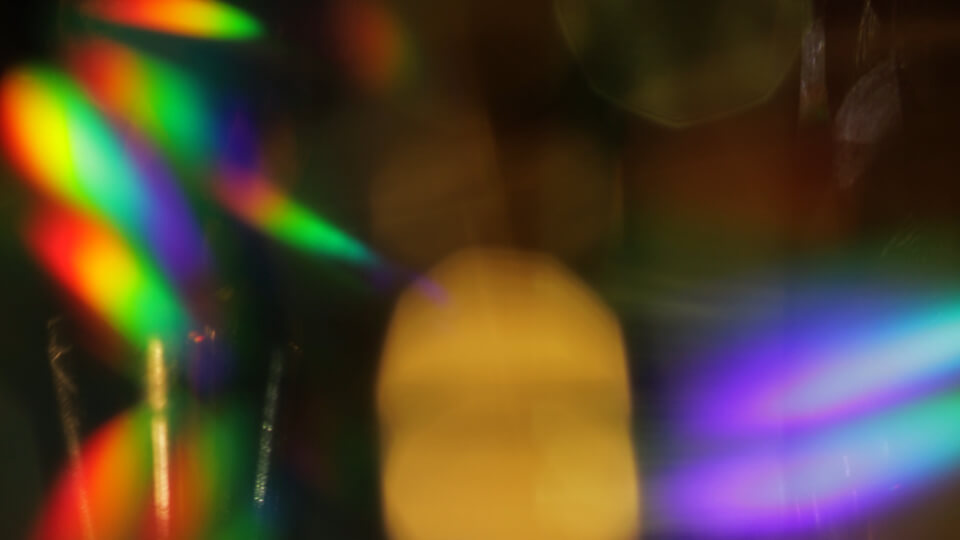
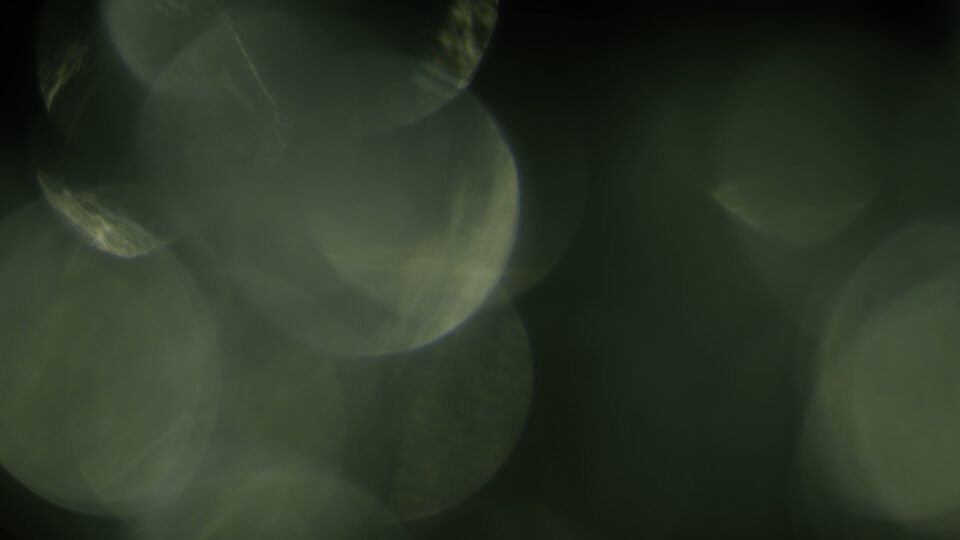
Add instant atmosphere, movement, and cinematic style to your edits with these free light leak overlays for Premiere Pro. This pack includes real bokeh light leaks that are drag-and-drop easy, require no plugins, and work seamlessly inside Adobe Premiere Pro.
Whether you’re creating YouTube videos, social media content, or cinematic edits, light leaks are one of the fastest ways to elevate a simple cut.
Download the Free Light Leak Pack
Get all 20 bokeh light leak overlays in one free pack. Click the button below to go to the Gumroad download page and grab your clips.
Use the video below to preview all the included light leak overlays.
Perfect for Social Media & Vertical Video
All clips are sized at 1920×1080 (Full HD), making them ideal for:
YouTube videos
Instagram Reels
TikTok
YouTube Shorts
You can easily rotate the overlays 90 degrees for vertical formats without losing quality.
Royalty-Free & Commercial Use
All light leak overlays in this free pack are 100% royalty-free.
You can safely use them in:
Client projects
Monetized YouTube videos
Social media content
Commercial productions
Terms of Use
We only ask that you credit the Enchanted Media website and do not provide the file for download anywhere else. Our files are copyright free for broadcast, motion picture and for online commercial use.
Download the Free Light Leak Pack
Get all 20 bokeh light leak overlays in one free pack. Click the button below to go to the Gumroad download page and grab your clips.
If you enjoy working with these free overlays, you may want a wider range of styles, durations, and resolutions for larger projects.
Our CINEBURNS VFX overlays pack contains 800+ film burns and light leaks at 4K resolution. Perfect for professional editors and social media content creators alike.
Drag a light leak clip onto a video track above your footage. Position it over a cut or entire shot, then change the blend mode to Screen. Adjust opacity or speed if needed.
Do I need plugins to use these overlays?
No plugins are required. All overlays work natively in Premiere Pro using standard blend modes.
Can I use light leaks as transitions?
Yes. Place the light leak overlay so it overlaps two clips on either side of a cut for a smooth transition.
Which blend mode works best for light leaks in Premiere Pro?
Screen is the most commonly used blend mode. For stronger intensity, try Linear Dodge (Add).
Can these overlays be used for more than transitions?
Yes. You can overlay them on entire shots for atmosphere, warmth, motion, or cinematic polish.
Want more free Bokeh Overlays?
We’ve picked out some fantastic free bokeh videos from Adobe Stock. Click the thumbnails to take you to the downloads.
Want more free stock footage?
For even more high quality footage and animation try Adobe Stock. Use the following link to get your first month absolutely free!