Holiday Season Content Pack for Premiere Pro
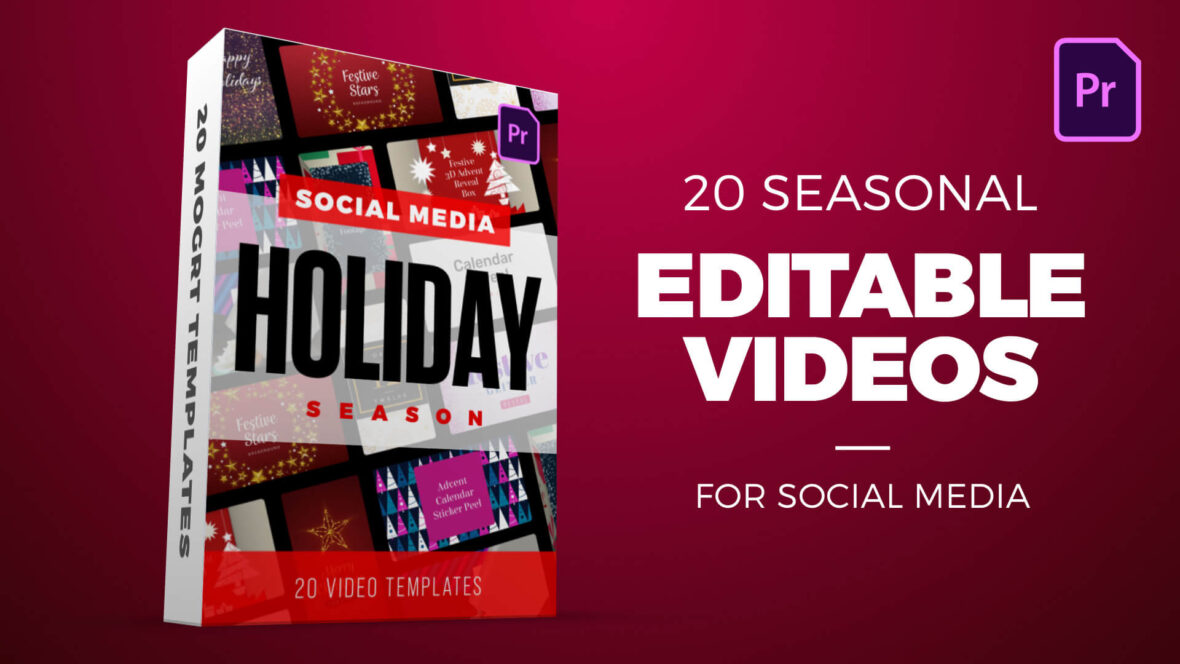
Holiday Season Content Pack for Premiere Pro – Editable Festive Templates
Celebrate the holidays with this versatile content pack of 20 social media video templates for Adobe Premiere Pro. Featuring both HD (1920×1080) and vertical (1080×1920) formats, this pack is perfect for creating eye-catching posts, stories, and promos across all platforms.
With advent calendar reveals, sparkling logo titles, festive particle animations, glitter text effects, gift wrap transitions, and elegant foil number intros, you’ll have everything you need to make your holiday content shine. Each MOGRT template is fully customizable — simply drop in your text, logo, or media and instantly create professional festive videos that spread holiday cheer.
This pack includes the following MOGRT templates:
- Advent Calendar Window Reveal
- Festive 3D Advent Box Reveal Title
- Torn Gift Wrap Paper Transition
- Social Media Calendar Reveal Overlay
- Festive Sparkling Logo Title
- Advent Calendar Sticker Peel Reveal
- Festive Glitter Text Peel Reveal
- Elegant Festive Foil Number Reveal Title
- Festive Particle Logo and Text Reveal
- Festive Stars And Glitter Background
Software Requirements
These are Motion Graphics Templates for use in Adobe Premiere Pro. For more information about Motion Graphics Templates (MOGRTs) read our blog post and watch our explainer video.
Try Premiere Pro for free!For installation notes see below. Please use one of our FREE MOGRT files to test installation.
Purchase this Pack – $20
Payment for this product is handled via the Gumroad marketplace.
Please use the button below to begin.
Installing Motion Graphics Templates (Premiere Pro 2025)
To install a MOGRT file into Premiere Pro, please use the following updated instructions:1. Extract the Zip file to reveal the .mogrt file.
2. Open Premiere Pro and go to Window > Graphics Templates. Click the Install Motion Graphics Template icon (the small square with a plus sign) located at the top right of the panel. (Note: In versions prior to 2025, this was the Essential Graphics panel).
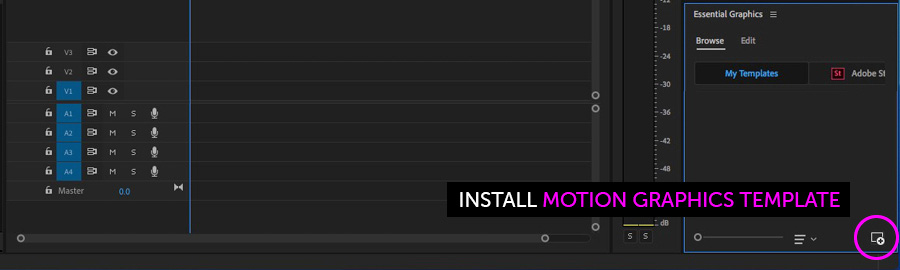
3. Locate the .mogrt file on your drive and choose Open.
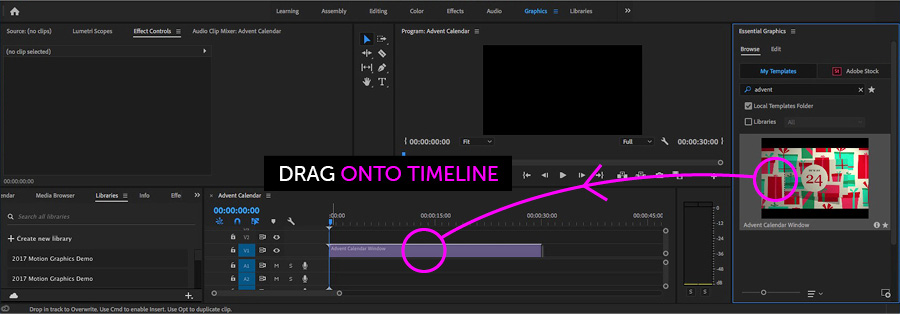
Once installed, drag the template from the Graphics Templates panel onto your timeline to create an instance.
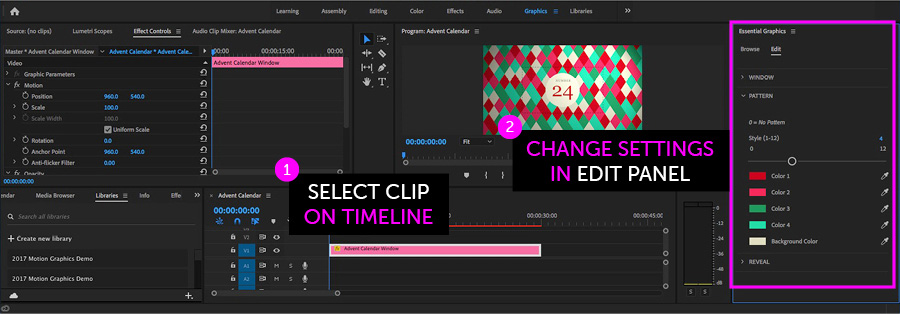
When an instance is selected on your Timeline, use the new Properties panel (previously the Edit tab) to adjust text, colors, and media replacement settings.
Need more help? Watch our full Video Guide on Using MOGRTs in Premiere Pro 2025.
Adobe Stock Search
Please use the search form below to find footage and video templates directly from Adobe Stock.
Great Value Packs

Popular Products
Sponsored Resources