Clean 3D Twisting Split Logo Reveal for Premiere Pro
Overview
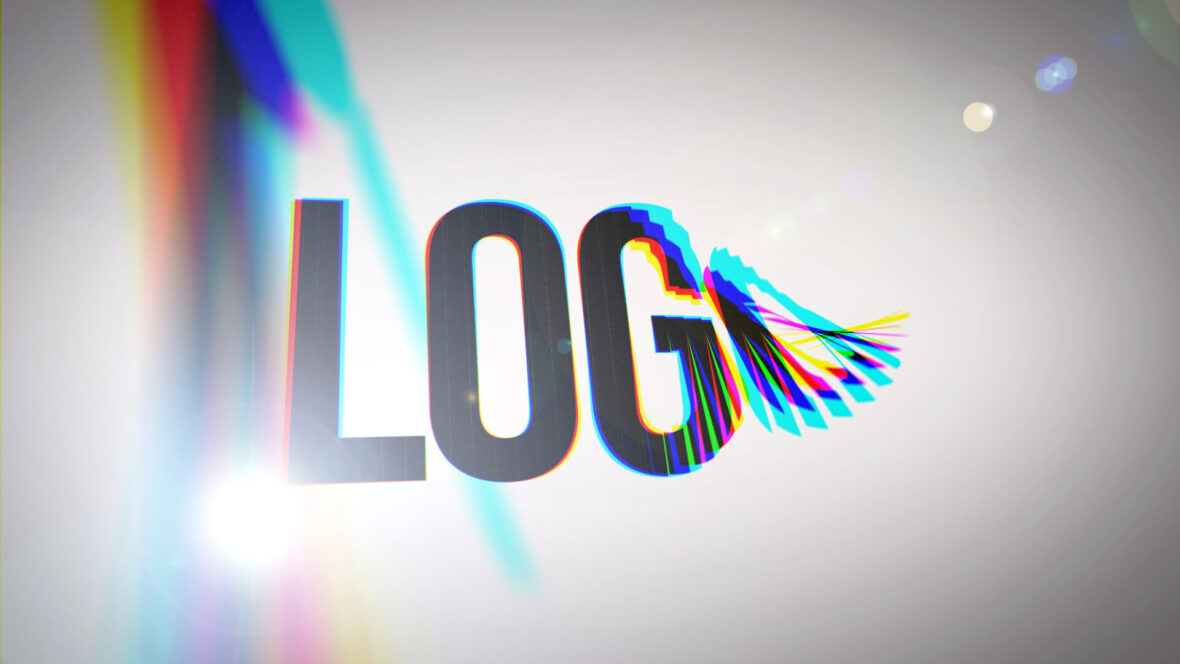
Professional 3D logo reveal template for Premiere Pro featuring twisting split animation, RGB chromatic aberration effects, rotating sliced transitions, and clean corporate styling. Ideal for business branding, YouTube intros, social media openers, technology channels, retail promotions, and modern video production workflows.
Features:
- HD 1920×1080 @30fps
- Easy to Edit
- No Plugins Needed
- Optimized for Performance
Software Requirements
This is a Motion Graphics Template (MOGRT) for use in Adobe Premiere Pro CC.
For more information about Motion Graphics Templates, watch our Video Guide and read our comprehensive walkthrough on how to install and edit templates in the current version of Premiere Pro.
Try Premiere Pro for free!Buy Here ($10) or License from Adobe Stock:
Purchase this item directly via Gumroad or license from Adobe Stock.
Checkout on or License from Adobe Stock
More Templates for Premiere Pro
If we don't have the exact project you're looking for try Adobe Stock, which holds a huge library of template style and themes.Royalty Free Music
Uppbeat have a superb library of copyright-free music and sound effects, fully cleared for simple licensing. Plus, you can get 20% off their Creator and Pro plans using the button below!Find Copyright-Free Music
Need Stock Footage?
Adobe Stock is also our recommended library for high quality stock footage, animated backgrounds and video overlays. Use the following link and you can get your first month absolutely free!Try Adobe Stock for free!
Installing Motion Graphics Templates (Premiere Pro 2025)
To install a MOGRT file into Premiere Pro, please use the following updated instructions:1. Extract the Zip file to reveal the .mogrt file.
2. Open Premiere Pro and go to Window > Graphics Templates. Click the Install Motion Graphics Template icon (square with a plus sign) at the top right of the panel. (Note: In older versions, this was the Essential Graphics panel).
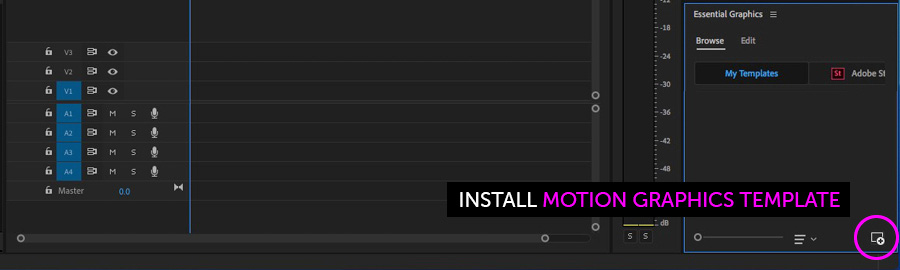
3. Locate the .mogrt file and choose Open.
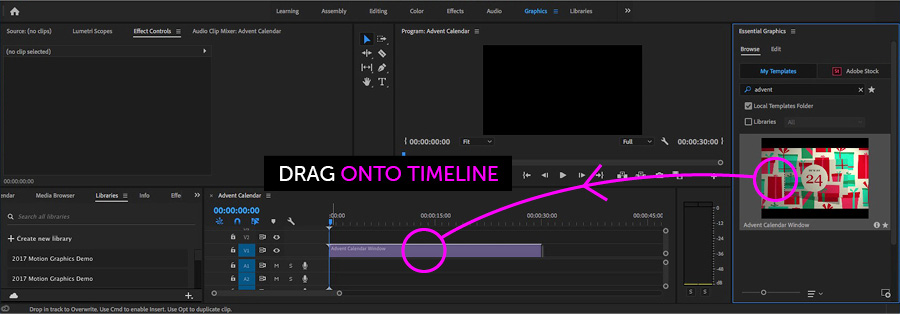
Once installed, drag the template from the Graphics Templates panel to your timeline to create an instance.
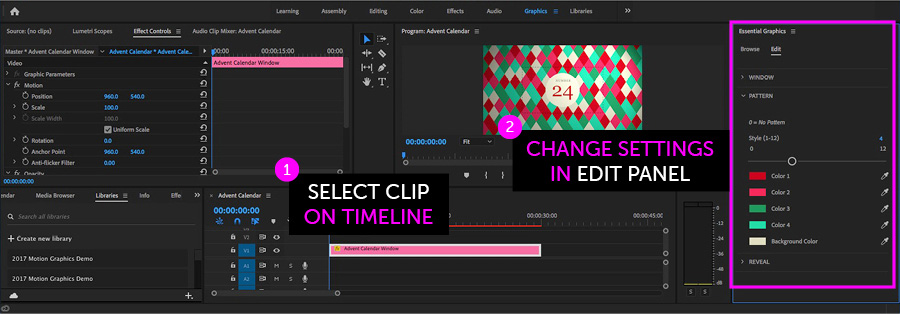
When a MOGRT is selected on your Timeline, use the new Properties panel (previously the Edit tab) to adjust settings.
Looking for a video walkthrough? Check out our Full Guide to using MOGRTs in Premiere Pro 2025.
Adobe Stock Search
Please use the search form below to find footage and video templates directly from Adobe Stock.
Great Value Packs

Popular Products
Sponsored Resources