
Green Screen Footage
A selection of green screen footage, transitions and reveals. The relevant areas of these clips are perfectly solid and can easily be removed using the chroma key effect in your editing software. By making the green areas of a clip transparent you’re enable to either place, now isolated, moving objects over your footage or ‘reveal’ secondary footage inside the transparent areas.
Chroma key compositing, or chroma keying, is a visual effects (VFX) post-production technique for compositing (layering) two images or video streams together based on color hues. The technique is used extensively to remove a background from the subject of a video, revealing a secondary video clip in the transparent areas – particularly in the news broadcasting, motion picture and video game industries.
For more information about “keying” read our blog post “How to use green screen footage in your video“.

Comic Book Flashes – Animation Pack

Chequered Flag Over Green Screen

First Second Third Medals To Green Screen

Circus Tent Entrance to Green Screen
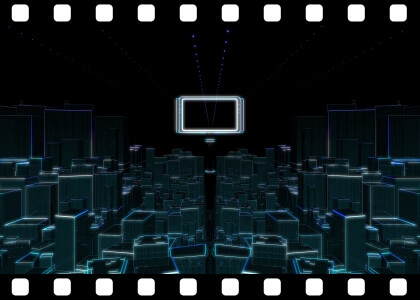
Futuristic City To Green Screen
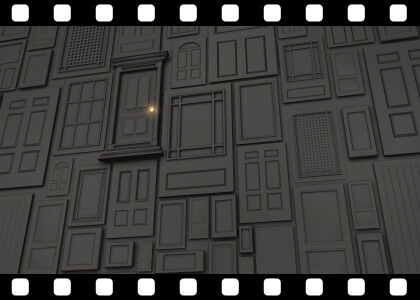
Multiple Doors To Green Screen

Gold Silver Bronze Medals To Green Screen
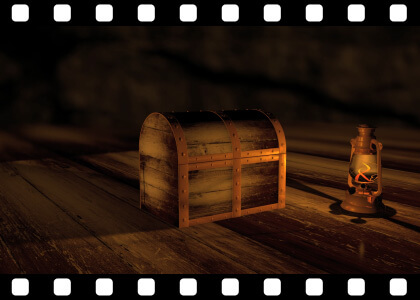
Treasure Chest Opening To Green Screen

Theater Curtains to Green Screen
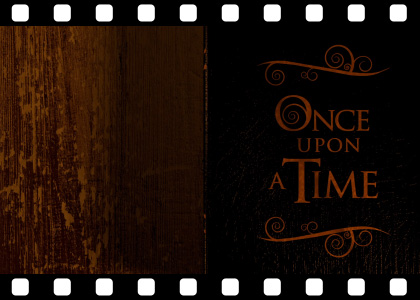
Storybook Opening to Green Screen
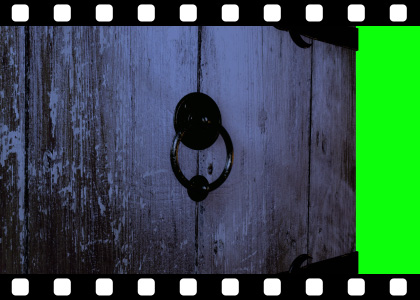
Old Wooden Door Opening to Green Screen
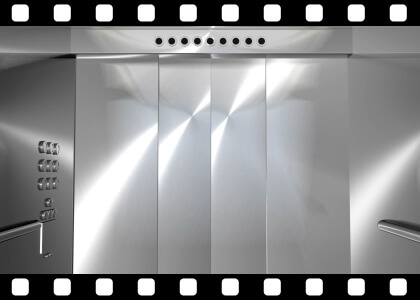
Modern Elevator to Green Screen
Popular Products

Sponsored Resources

Find what you were looking for?
If we don’t have what you need on here, hop over to Adobe Stock for thousands of editable video templates and effects.