Midnight — Slide Deck Creator
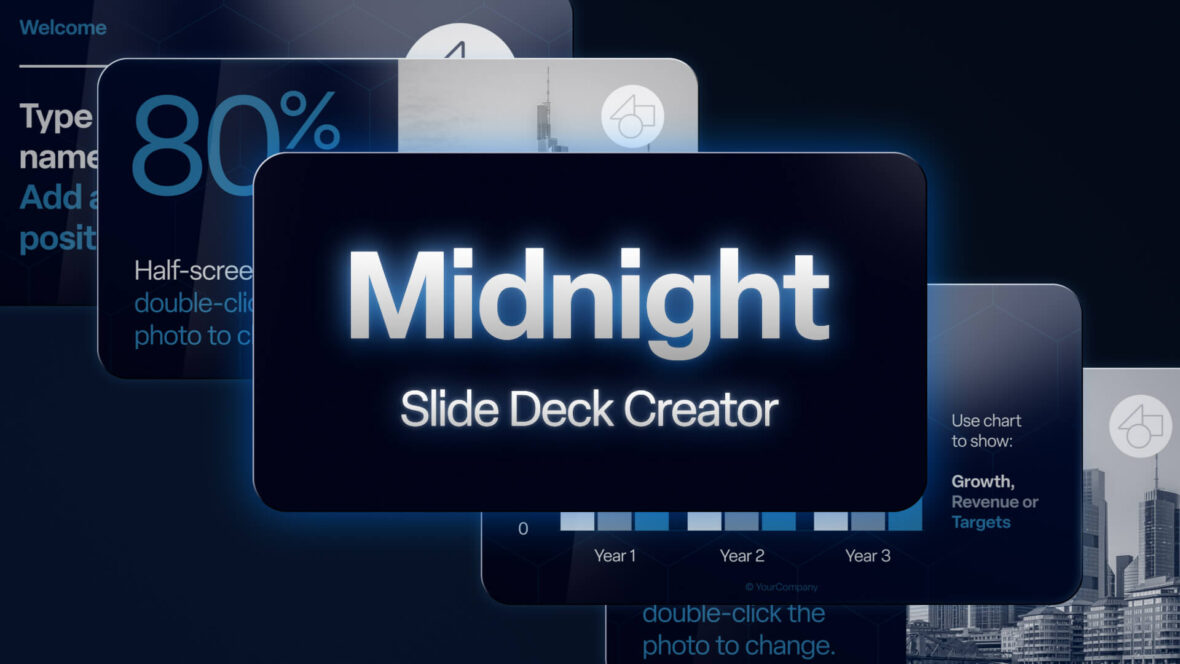
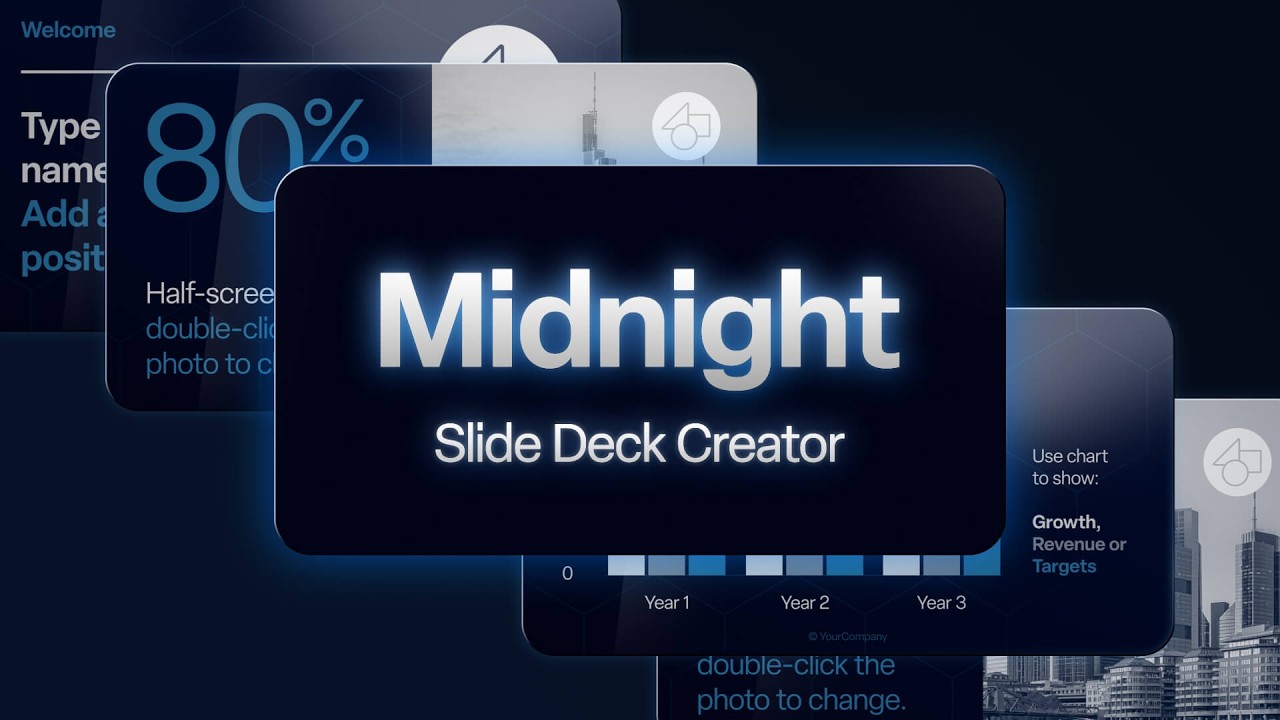
A Proven Pitch Deck System Powered by Motion
Create high-impact, investor-ready presentations using cinematic animation—without needing a motion designer.
Midnight isn’t just another slide template. It’s a complete pitch deck system designed to help you communicate clearly, capture attention, and move decisions forward.
Built in After Effects and exported seamlessly to PowerPoint, Keynote, or Google Slides, Midnight combines proven deck structures with high-end motion design—so your presentations don’t just look better, they perform better.
A Different Approach to Presentations
Most presentations don’t fail because of the idea, but how the idea is delivered.
- Too many slides.
- Not enough structure.
- No sense of progression.
Midnight is built to solve that.
A complete system for creating pitch decks that are clear, deliberate, and designed to move decisions forward.
1. Proven Pitch Deck Structures
Each deck type is built around battle-tested presentation flows—the same narrative frameworks used by startups, sales teams, and internal leaders to persuade and convert – inspired by Airbnb Pitch Deck (2009), Uber (UberCab) Pitch Deck (2008) and Facebook Pitch Deck (2004).
These are not generic layouts.
They are structured sequences of key slides, each with a specific role in the story—guiding your audience from problem to outcome.
You get fully built, ready-to-edit decks for:
- Investor Deck — raise capital with clarity and confidence
- Sales Deck — win clients and close faster
- Startup Deck — launch and position your product
- Internal Presentation — align teams and drive decisions
Each follows a logical, strategic sequence of “Key Slides” designed to guide your audience from problem → solution → action.
2. Motion That Elevates Your Message
Motion isn’t decoration. It’s direction.
Used correctly, it guides attention, reveals information, and reinforces meaning.
Midnight brings high-end animation and motion graphics—typically reserved for agencies—into your everyday presentation workflow.
- Smooth, modern transitions
- Animated charts and data
- Cinematic typography
- Dynamic visual storytelling
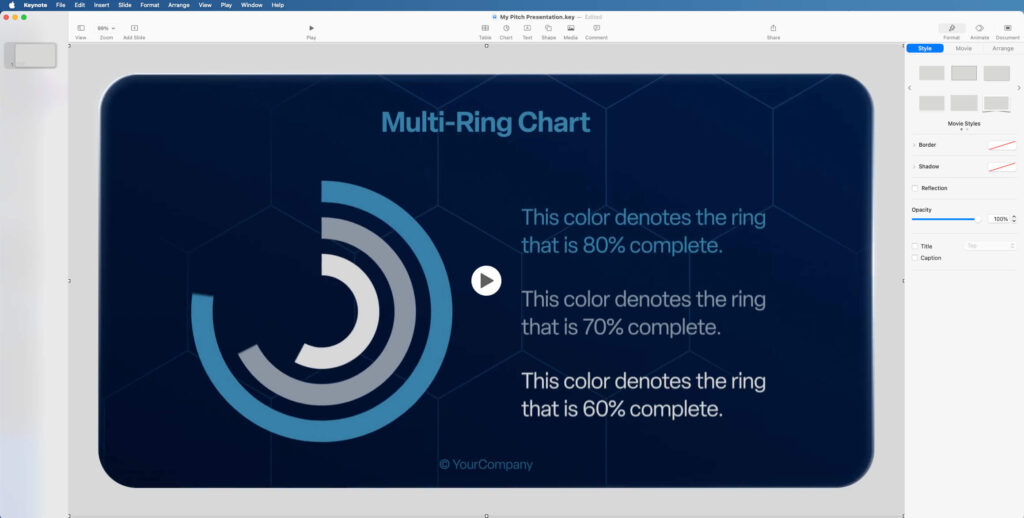
Export your slides as video and drop them straight into your presentation software. PowerPoint, Keynote and Google Slides all support easy import of MP4 video files.
The result is simple:
Presentations that hold attention—and carry it forward.

3. Built as a Complete System
This isn’t a collection of slides. It’s a repeatable workflow for creating better presentations.
- Start with a proven structure
- Customize with your content
- Export and present anywhere
Whether you’re a beginner or experienced, Midnight gives you both:
- Ready-made decks (use immediately)
- Flexible building blocks (customize deeply)
What’s Included
Midnight is structured as a complete presentation system—combining flexible slide design, defined deck flows, and supporting guidance.
Everything works together. Nothing is standalone.
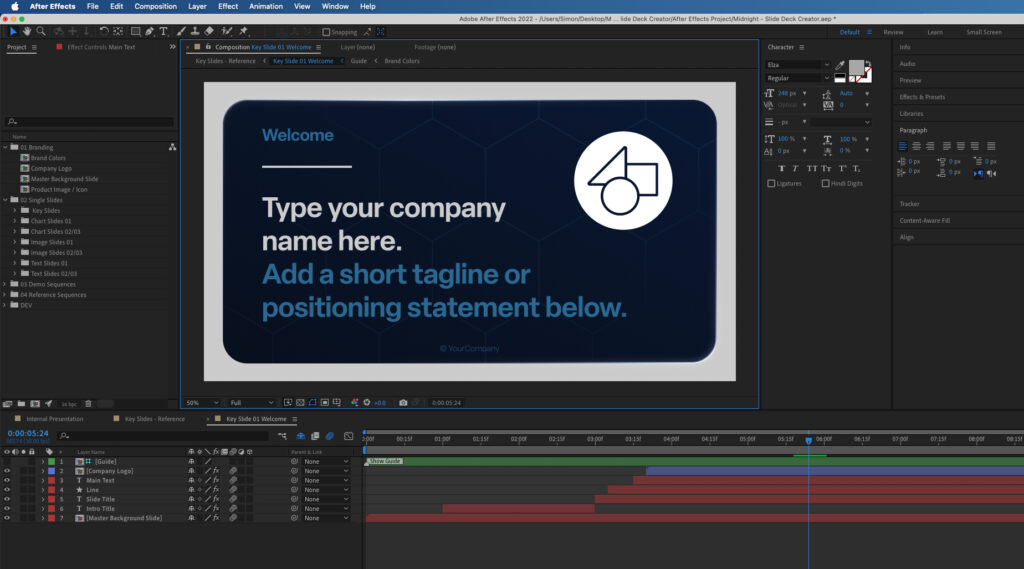
• Slide Deck Creator (After Effects Project)
At the core is a modular slide system—designed for consistency, flexibility, and speed.
- 100+ modular slides (charts, text, image layouts)
- Fully built pitch deck examples (15 slides each)
- Clean, structured compositions
- Color-coded layers and intuitive setup
- Simple chart editing with slider controls
• Pitch Deck Strategy Guides (PDF)
A strong presentation is not just well designed—it’s well structured.
Midnight includes a set of strategy guides that define how each deck should think, flow, and communicate.
Each guide breaks down the intent behind every key slide—what it needs to say, why it matters, and how it moves the narrative forward.
Companion guides for every deck type, featuring:
- Slide-by-slide strategic guidance
- Messaging tips and positioning advice
- Context for every key moment in the deck
These aren’t instructions—they’re thinking frameworks to improve your pitch.

• Opener Promos (2x After Effects Projects)
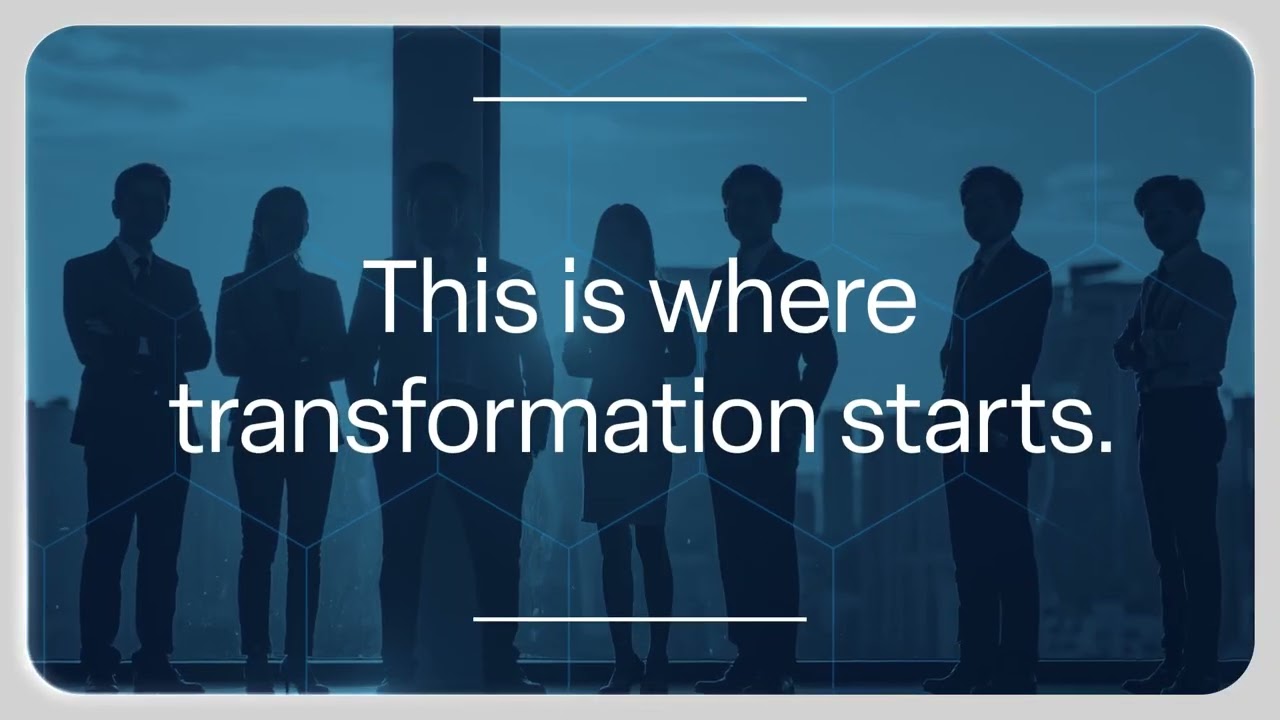
When the first seconds matter, Midnight includes two high-impact animated sequences designed to set the tone instantly.
- Image-driven cinematic opener
- Modern, typography-led animation sequence
- Includes music and placeholder assets
Use them as presentation intros, outros, or standalone content for YouTube, social media or website.
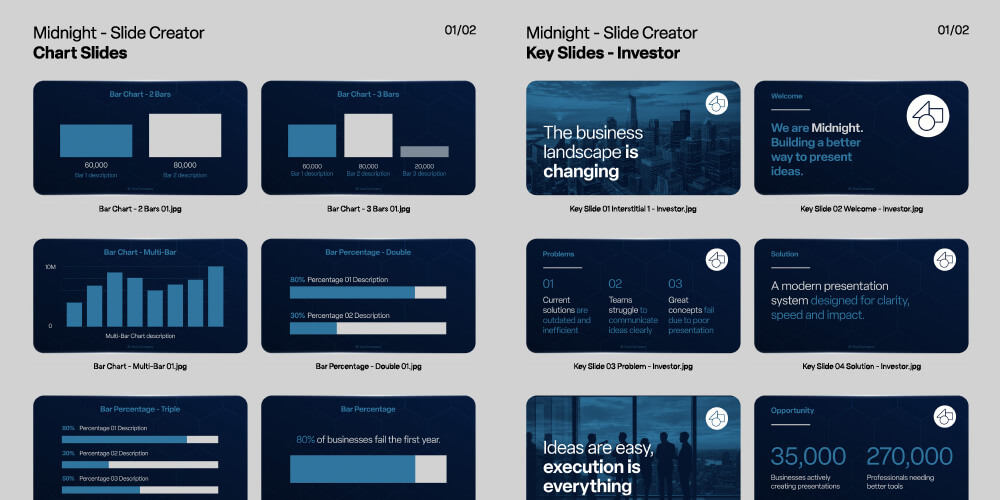
• Slide Galleries (PDF)
Quick visual overviews designed to help you navigate the system and plan your deck efficiently.
- Full slide contact sheets
- Fast browsing and selection
- Clear overview of available layouts
• User Guides
Everything is designed to be straightforward—even if you’re new to After Effects.
Clear, practical, step-by-step instructions covering:
- Editing text and images
- Adjusting charts
- Exporting slides for presentation tools
The workflow is simple and intuitive—and familiar to anyone who has used modern design or editing tools.
No prior After Effects experience is required.
Only the basics are used:
- Selection Tool
- Type Tool
- Simple import/export
Who It’s For
Midnight is built for presentations where outcomes matter.
- Startups raising funding
- Founders pitching ideas
- Sales teams closing deals
- Consultants and agencies
- Internal teams presenting strategy
If your presentation needs to influence decisions, Midnight is built for you.
What Makes It Different
Most presentation tools focus on how slides look.
Midnight focuses on how presentations work.
- Structured storytelling, not random slides
- Motion that reinforces your message
- A system you can reuse again and again
This is a premium presentation tool for people who need their ideas to land.
Final Thought
Better presentations don’t come from adding more slides. They come from making each moment count.
Clear. Structured. Intentional.
Software Requirements
This project requires Adobe After Effects to edit.
For more information about After Effects templates, check out our guide on how After Effects templates work.
Try After Effects for free!Buy This Project
Start building better decks. Download Midnight Slide Deck Creator today.
Checkout onFAQs
Why use After Effects instead of PowerPoint animations?
PowerPoint animations are limited.
After Effects is the industry standard for motion graphics—used to create the kind of smooth, high-end visuals typically seen in advertising and film.
With natural easing, motion blur, lighting effects, and camera movement, it transforms static slides into clear, controlled visual storytelling.
Midnight brings that level of quality into your presentations—without requiring animation skills.
I’ve never used After Effects before. How difficult is it?
No prior After Effects experience is required.
You don’t need to understand keyframes or effects. All animation is already built in.
You simply edit text, replace images, and adjust values using familiar tools—similar to other modern design software.
Can I customise colours, fonts, and branding?
Yes.
All slides are fully customisable. You can update colours, typography, images, and data to match your brand.
Are the charts easy to edit?
Yes.
All charts are designed with simple slider controls—so you can update values quickly without rebuilding anything.
How many times can I use the templates?
Buy once. Use forever.
Your license allows unlimited use across multiple presentations, projects, and clients—with no recurring fees.
Can I export a full presentation as a single video?
Yes.
Each deck includes ready-made slide sequences (Investor, Sales, Startup, Internal) that can be exported as complete videos.
Ideal for sharing on YouTube, Vimeo, or social platforms.
Can I export still images instead of video?
Yes.
You can export any slide as a high-quality image directly from After Effects (JPEG or PNG), for use in documents or static presentations.
Which presentation software can I use these slides in?
Exported slides can be used in PowerPoint, Keynote, Google Slides, or any platform that supports video.
This means you can keep your existing workflow—while upgrading the quality of your visuals.
Need Stock Images?
Adobe Stock has all you’ll need for the perfect presentation.
Try Adobe Stock for free!Adobe Stock Search
Please use the search form below to find footage and video templates directly from Adobe Stock.
Great Value Packs

Popular Products
Sponsored Resources